


Exam Objectives
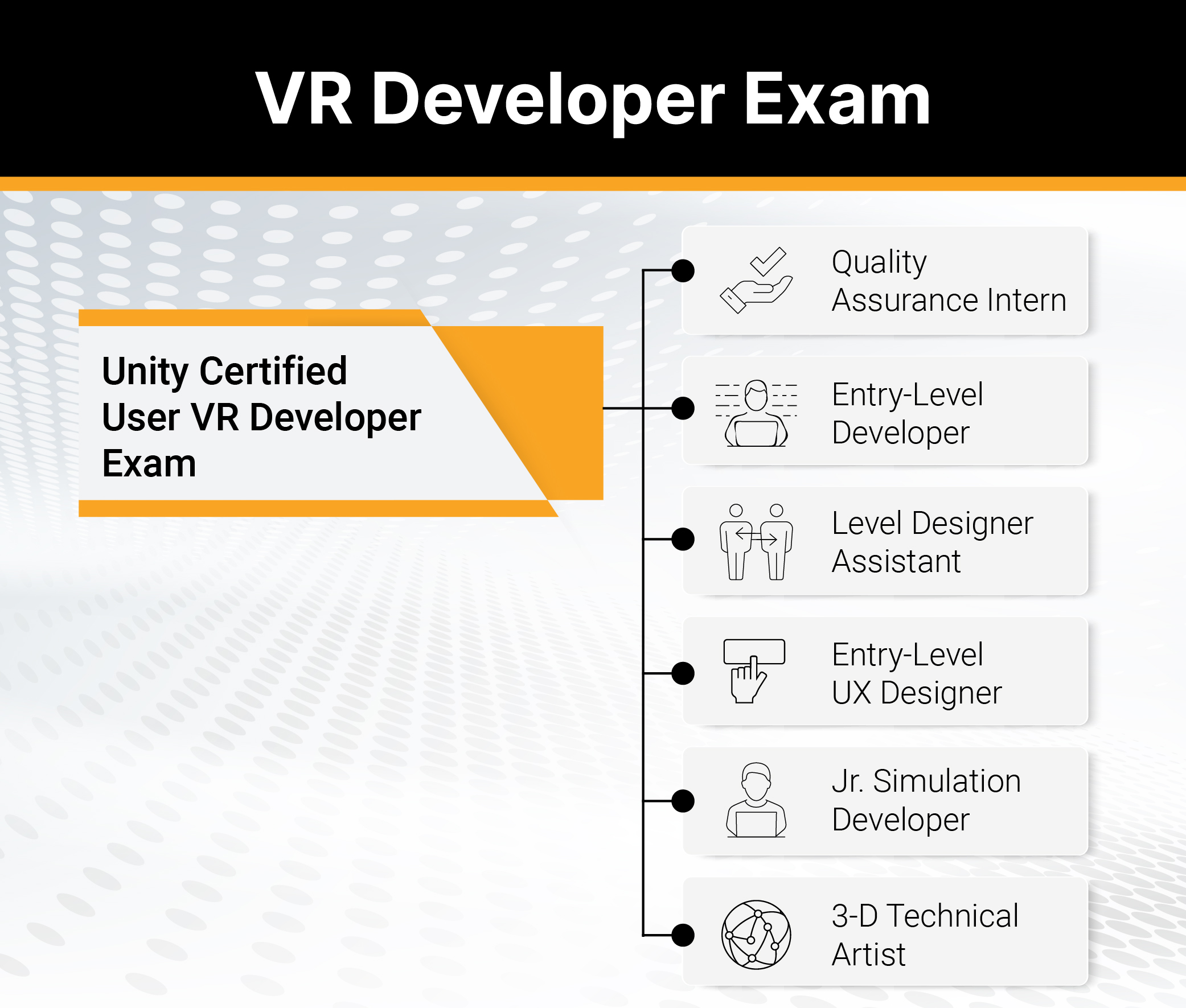
Unity Certified User VR Developer
The Unity Certified User VR Developer certification exam will test the candidate’s ability to create VR experiences and programs within Unity software. The exam objectives are aligned with current industry standards set by professionals and educators. Individuals will be expected to have at least 150 hours of Unity software use and training to obtain this certification. Also, while not required, familiarity with C# programming and VR software and hardware (including tethered and standalone headsets) can help
candidates learn Unity VR Development more easily.
Individuals who have earned the Unity Certified User VR Developer
certification have demonstrated mastery of the following skills:
1. Basic Unity Concepts for VR Development
1.1. Define essential VR concepts, including but not limited to stereoscopic
vision, how VR differs from other forms of XR, tracking methods, and VR
input methods
1.2. Demonstrate how to use Package Manager to manage packages, including
but not limited to the XR Interaction Toolkit
1.3. Demonstrate how to import or modify assets, including Prefabs
1.4. Given a scenario, identify how to use the Transform component to position,
rotate, and scale an object in the scene
1.5. Identify the correct primary interface window to complete a given task while
using the default workspace
1.6. Manage components in the Inspector Window
2. Building a Scene for VR
2.1. Given a scenario, identify common preplanning techniques, including design
documents, flow charts, animatics, character model sheets, prototyping,
greyboxing, storyboarding, concept art, and proportional level scaling
2.2. Identify correct methods to implement environment design with 3D objects
using finalized assets
2.3. Identify various types of light and when to use Baked vs Realtime lighting
3. UX Implementation for VR
3.1. Identify the steps to create a basic UI using World Space for a VR scene,
including the use of Canvas, Button, Image, Text, and the Event System
3.2. Given a scenario, determine the components needed for a user to physically
manipulate objects, including but not limited to Colliders, the XR Grab
Interactable, and Rigidbodies
3.3. Identify types of player locomotion, including degrees of freedom, moving
an avatar, 3-axis motion, 6-axis rotation, and rotating along an axis
3.4. Given a scenario, identify optimal VR interactions regarding health and
safety
3.5. Differentiate between attributes of audio sources, including but not limited
to 2D and spatial audio
4. Scripting with Unity
4.1. Given a scenario, select the appropriate basic C# code to achieve a goal
that requires knowledge of properties, variables, methods, basic data types,
or binary operators
4.2. Given a scenario, select the appropriate Unity class to achieve a goal.
Classes include Vector3, GameObject, Collider, Rigidbody, or AudioSource
4.3. Given a scenario, identify how to handle a collision or trigger Enter, Stay, or
Exit event
5. Troubleshooting and Playtesting
5.1. Given a problem discovered in playtesting, identify areas to troubleshoot,
including Static objects, missing Colliders, missing Rigidbodies, incorrect
settings, Is Trigger, Is Kinematic, or Use Gravity
5.2. Identify types of logs in the Console
5.3. Identify errors output to the Console and the steps to fix them, including null
references, missing end of line markers, or syntax errors
5.4. Identify correct optimization methods when working on a VR scene,
including but not limited to camera occlusion culling, removing unused
objects, or level of detail (LOD
Unity Overview
Empower creators to tell their stories, share their visions, and validate their skills.
Unity is the leading content-creation platform for AR/VR, real-time 3D, and mobile 2D. Unity is used by students and professionals around the world to create everything from games to movies, 3D models to VR simulations.
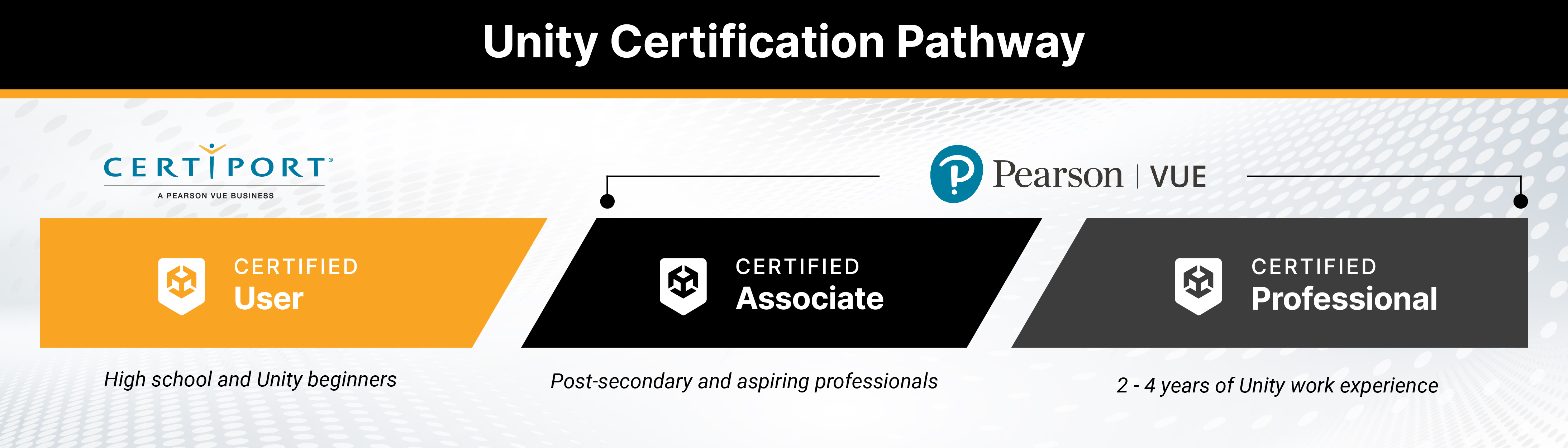
The Unity Certified User (UCU) certification is an entry-level credential that allow individuals to get started in interactive content creation for industries such as gaming, entertainment, automotive, AEC, and XR. Unity Certified User certification helps employers and institutions verify a candidate’s knowledge and skills using Unity technology to succeed in these industries. Whether it’s a desire to create games and apps or build new worlds in AR/VR, Unity Certified User certification is the place to start.
Benefits of the Unity Certified User certification in the classroom
- Result-driven way to ensure your curriculum aligns with industry and global standards.
- Prepares your students for college or a career using Unity technology to create interactive content.
- Positions your students as credible job candidates to employers with an industry-recognized credential.
Unity Certifications
Digital certification badges are web-enabled versions of a credential outcome and gives you the ability to share your certified skills online in a way that is simple, trusted and can be easily verified in real time.
Knowledge and expertise of Unity technology are some of the most requested skills in online job postings. Your digital certification badge makes it easy for you to validate abilities with potential employers on social media sites such as LinkedIn, Facebook and Twitter, as well as email and online portfolios.
When you earn a Unity Certified User certification, you will be notified of the corresponding digital certification badge. Accept and use your digital badge to tell potential employers, academic institutions, colleagues and peers about your Unity credentials and interactive content creation skills. Find at more about UCU digital certification badges on Acclaim.



Flash your badge
Credly is our digital badging platform. It helps you move forward professionally by quickly establishing credibility for opportunities in education, the job market, and beyond. Each badge contains verifiable data that tells the world what you did, who says you did it, and why it matters.
More information
Visit Credly to find out more information. Still have questions? Here are a few resources you might find helpful:
FAQ
Enquiries