



Exam Objectives
Unity Certified User Programme
The Unity Certified User Programmer certification exam will test the basics of C# programming within Unity software to create interactivity in games, apps, AR/VR, and other experiences. The exam objectives are aligned with current industry standards set by professionals and educators. Individuals will
be expected to have at least 150 hours of Unity software use and training to obtain this certification.
Individuals who have earned the Unity Certified User Programmer certification
have demonstrated mastery of the following skills:
1. Debugging, problem-solving, and interpreting the API
1.1. Given an example of a debug log message, create the code that created the
log message.
1.2. Given a code clip and its associated error message(s), determine which
object(s) is(are) null.
1.3. Given a specific programming task requiring the use of a particular class in
the API, determine the appropriate method and/or properties, arguments, or
other syntax to use.
2. Creating code
2.1. Indicate when and how to initialize and use variables inlcuding but not limited
to the approritate use of all variable modifiers and data collections such as
Arrays, Lists and Dictionaries.
2.2. Given a list of keywords and syntax elements, construct a viable Function
declaration.
2.3. Given a code clip and a description of its desired result, identify the
appropriate function to control or trigger a state including but not limited to
the Animator Controller.
2.4. Given a scenario where a specific type of input is required and the building
blocks needed are provided, construct the necessary input listener including
but not limited to the keyboard and touch input.
2.5. Demonstrate when and/or how to use the various logic and flow control
operators used in C# and Unity.
2.6. Given a scenario, identify appropriate actions to take when a UI element
reports a change.
3. Evaluating code
3.1. Given a scenario about the need to manage an event function, determine the
appropriate action to take including but not limited to the keyboard and touch
input
3.2. Given a code clip that produces an error because of a variable whose data
type is declared incorrectly, identify the error.
3.3. Given a code clip that produces an error because a function or variable is
declared or used incorrectly (public/private mismatch), identify the error
including but not limited to the use of Animation events.
3.4. Given a code clip containing a class definition, distinguish whether the class
is an ECS class or some other type of class.
3.5. Given a set of code clips, recognize the clip that uses naming conventions
that observe Unity naming standards.
3.6. Given a code clip (or a set of code clips), recognize the comments that
accurately describe what the code is doing.
4. Navigating the Interface
4.1. Describe the purpose, features, and functions of the various Unity IDE
windows.
4.2. Demonstrate how to change the default scripting IDE.
Unity Overview
Empower creators to tell their stories, share their visions, and validate their skills.
Unity is the leading content-creation platform for AR/VR, real-time 3D, and mobile 2D. Unity is used by students and professionals around the world to create everything from games to movies, 3D models to VR simulations.
The Unity Certified User (UCU) certification is an entry-level credential that allow individuals to get started in interactive content creation for industries such as gaming, entertainment, automotive, AEC, and XR. Unity Certified User certification helps employers and institutions verify a candidate’s knowledge and skills using Unity technology to succeed in these industries. Whether it’s a desire to create games and apps or build new worlds in AR/VR, Unity Certified User certification is the place to start.

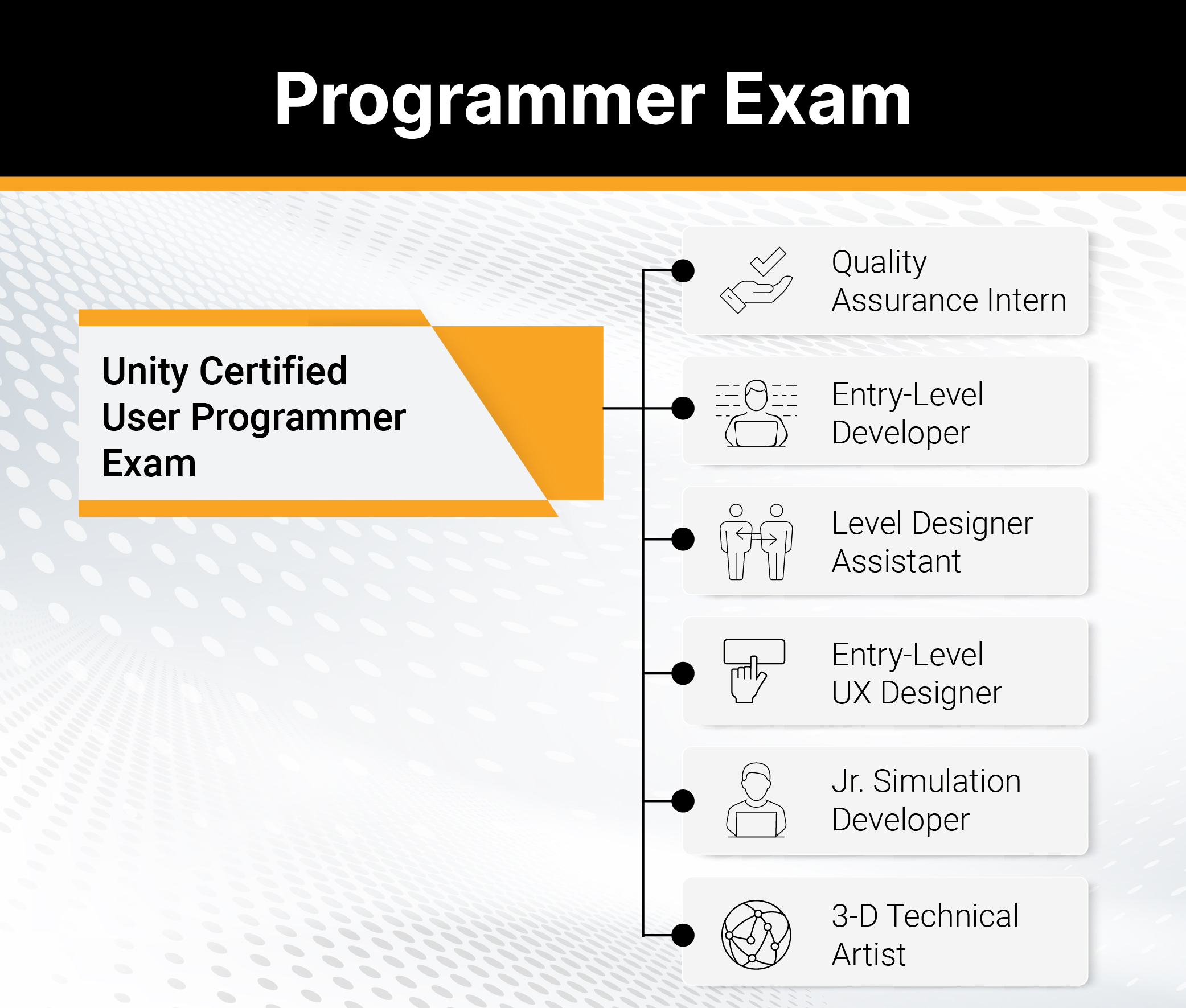
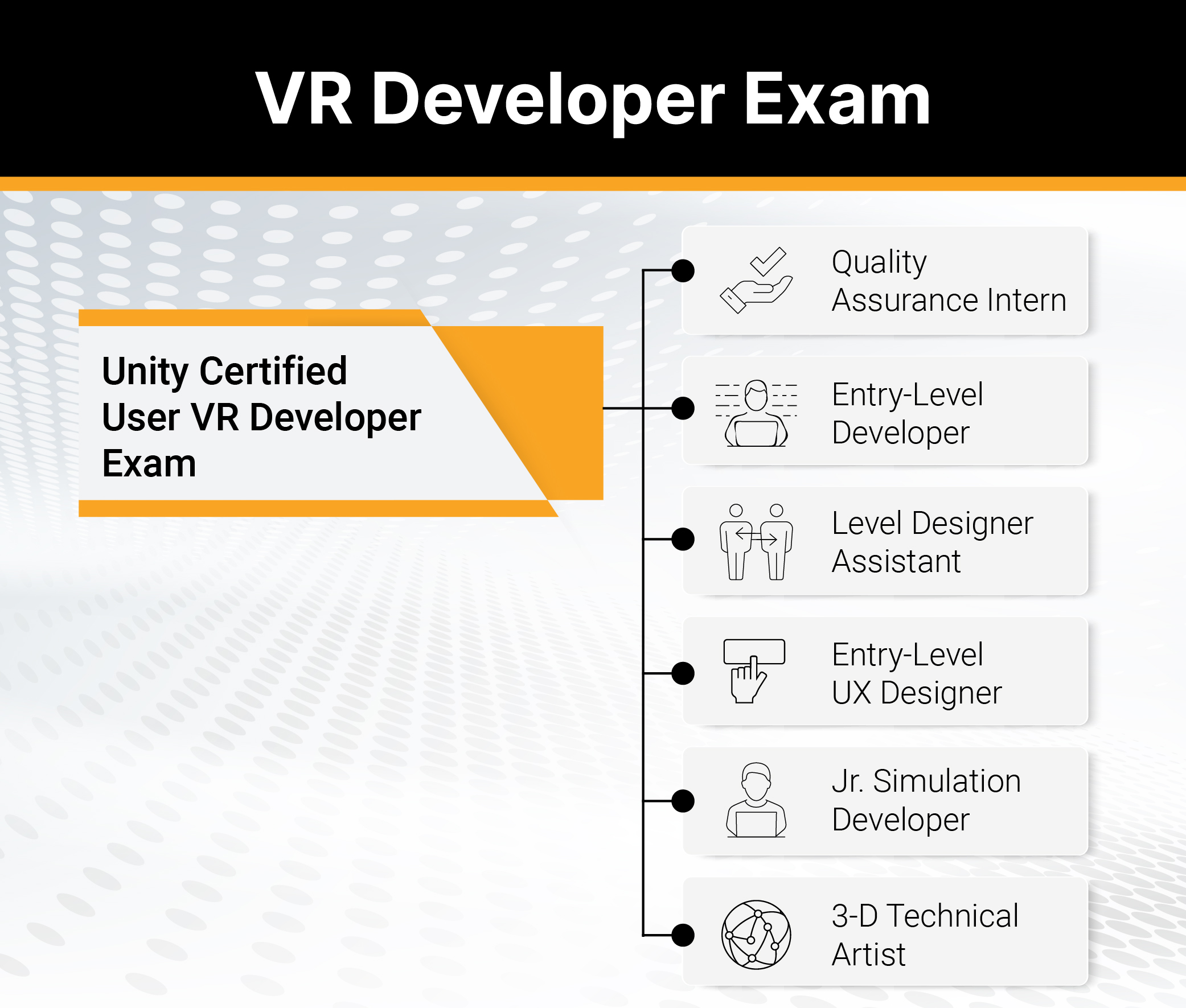
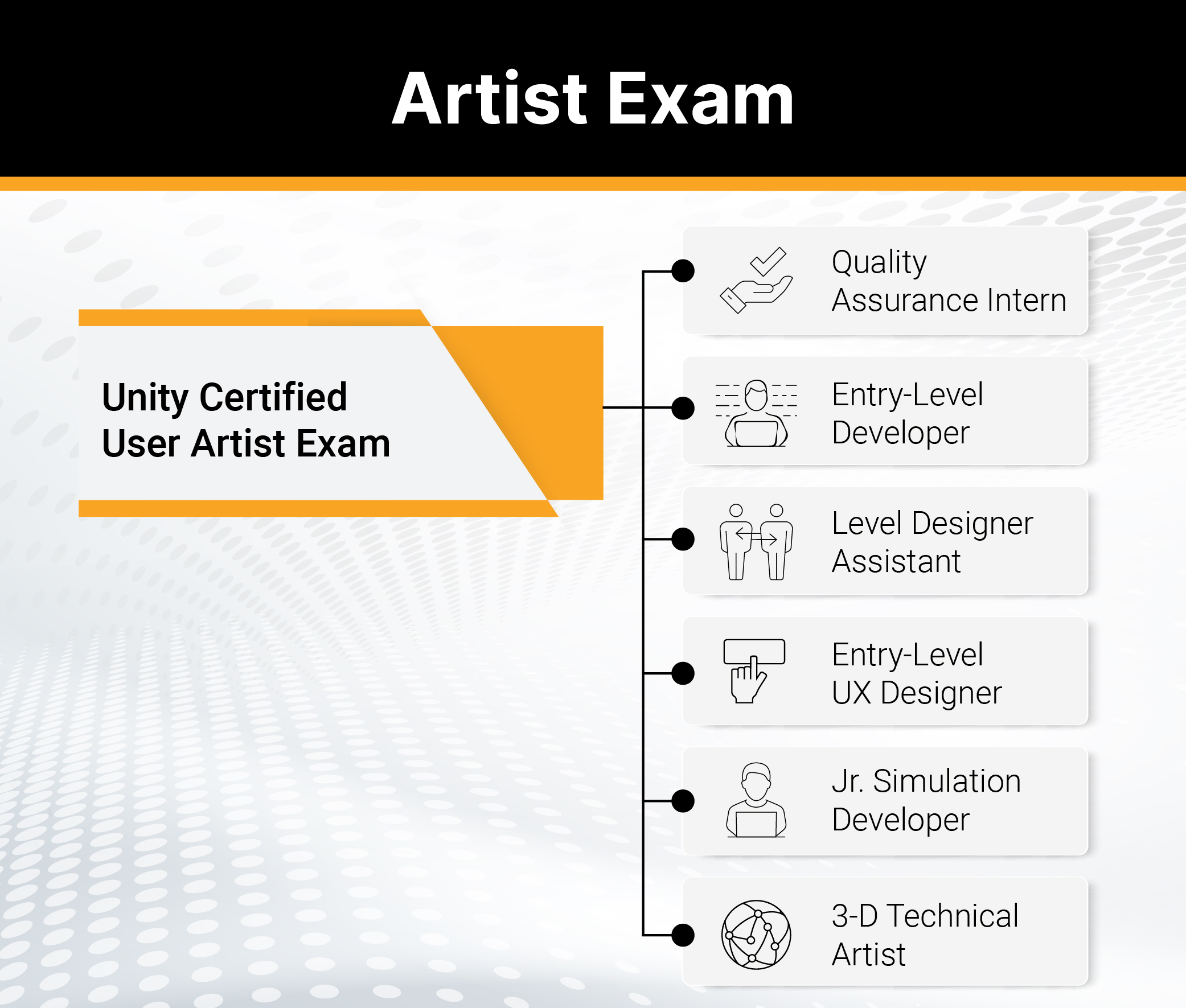
Benefits of the Unity Certified User certification in the classroom
- Result-driven way to ensure your curriculum aligns with industry and global standards.
- Prepares your students for college or a career using Unity technology to create interactive content.
- Positions your students as credible job candidates to employers with an industry-recognized credential.
Unity Certifications
Digital certification badges are web-enabled versions of a credential outcome and gives you the ability to share your certified skills online in a way that is simple, trusted and can be easily verified in real time.
Knowledge and expertise of Unity technology are some of the most requested skills in online job postings. Your digital certification badge makes it easy for you to validate abilities with potential employers on social media sites such as LinkedIn, Facebook and Twitter, as well as email and online portfolios.
When you earn a Unity Certified User certification, you will be notified of the corresponding digital certification badge. Accept and use your digital badge to tell potential employers, academic institutions, colleagues and peers about your Unity credentials and interactive content creation skills. Find at more about UCU digital certification badges on Acclaim.



Flash your badge
Credly is our digital badging platform. It helps you move forward professionally by quickly establishing credibility for opportunities in education, the job market, and beyond. Each badge contains verifiable data that tells the world what you did, who says you did it, and why it matters.
More information
Visit Credly to find out more information. Still have questions? Here are a few resources you might find helpful:
FAQ
Enquiries